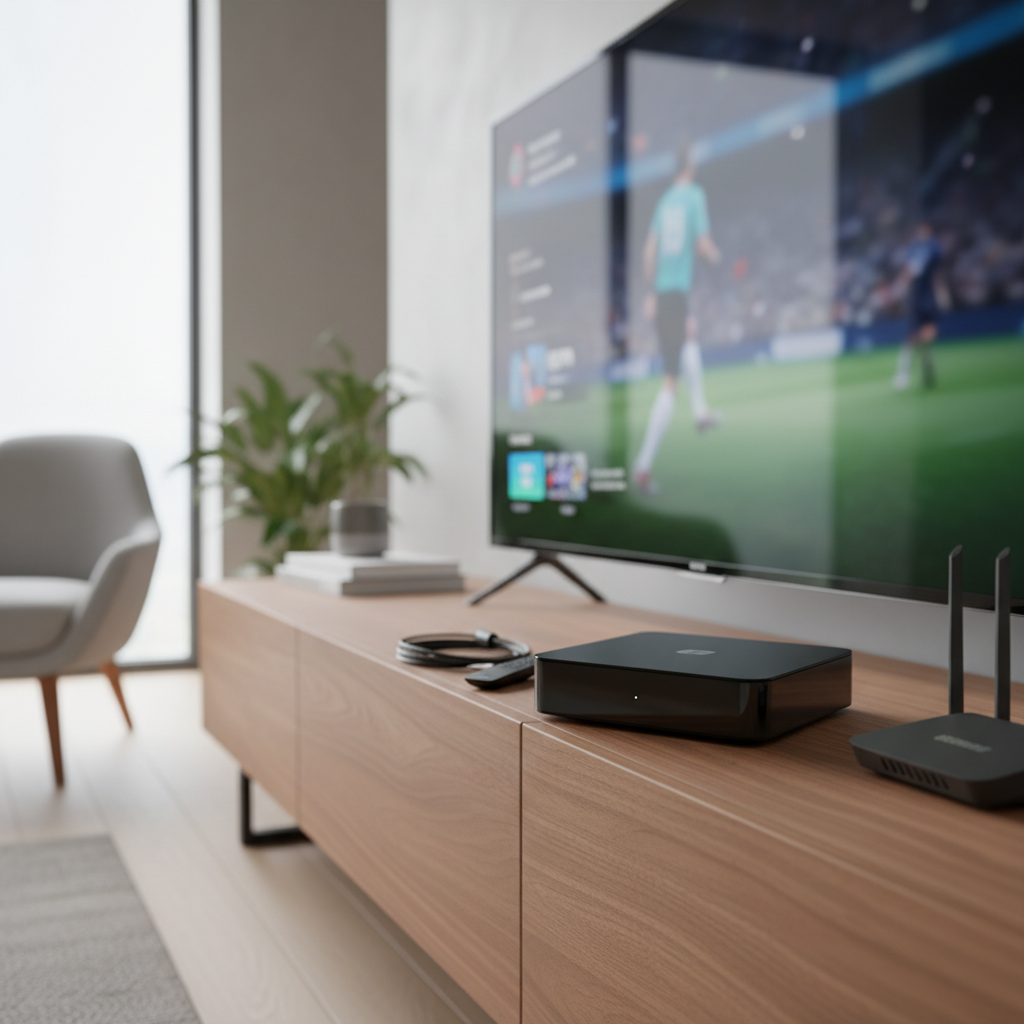
In an era dominated by high-definition streaming and smart TVs, many households still cherish their older television sets, often lacking modern connectivity options like HDMI. This is where a digital receiver equipped with an RF modulator, especially for Channel 3 or 4, becomes an invaluable bridge. This guide delves into everything you need to know about these essential devices, helping you seamlessly integrate new digital signals with your beloved legacy display.
Digital Receiver with RF Modulator: What Is It?
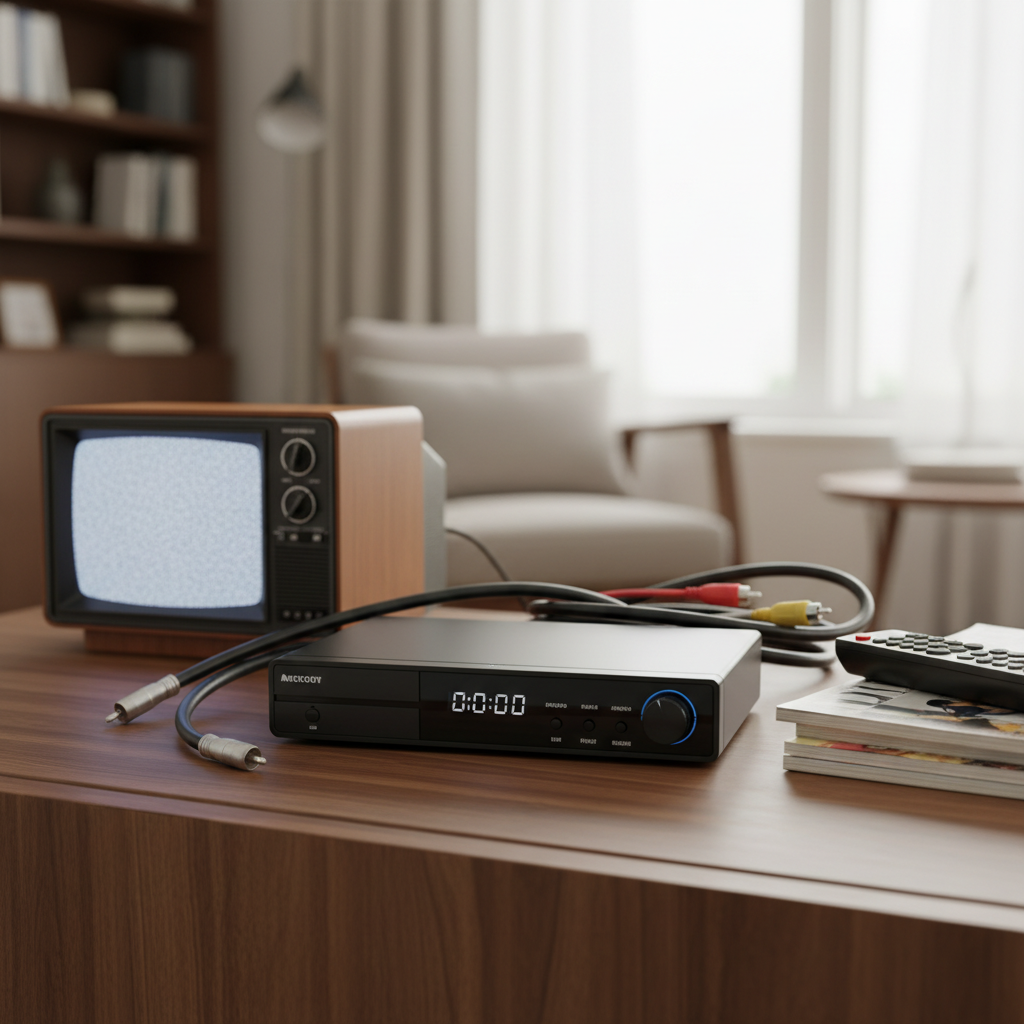
A digital receiver with an RF modulator is a specialized electronic device designed to capture modern digital broadcast signals and convert them into an analog format that older televisions can understand. Specifically, the integrated RF modulator takes these processed digital signals (often from terrestrial broadcasts like DVB-T2 or ATSC) and transforms them into a radio frequency (RF) output, typically on VHF channels 3 or 4. This output can then be connected directly to your vintage TV’s coaxial antenna input.
Unlike modern AV receivers that primarily offer HDMI and optical outputs, these devices cater to a specific need: extending the life and utility of analog TVs by allowing them to receive contemporary digital content. While often referred to broadly as “digital receivers,” in this context, they are commonly digital TV converter boxes.
Why You Need a Receiver with an RF Modulator
The primary reason to invest in a digital receiver with an RF modulator is to breathe new life into older TVs. Many vintage television sets, especially those manufactured before the widespread adoption of digital inputs, only feature a coaxial antenna input. Without an RF modulator, these TVs cannot display content from modern digital sources such as over-the-air digital broadcasts, DVD players, or streaming devices.
Beyond merely connecting to older TVs, an RF modulator offers several practical advantages:
- Bridging the Digital Divide: It allows analog TVs to tune into digital terrestrial broadcasts (like DVB-T2 or ATSC), ensuring they remain functional even after analog broadcast switch-offs.
- Signal Distribution: You can distribute a single digital source to multiple older TVs throughout a home or small building using existing coaxial wiring. This is particularly useful in multi-room setups without needing individual digital tuners or costly rewiring.
- Retro Gaming and Media: For enthusiasts of retro gaming consoles or vintage media players that might output composite video, an external RF modulator (or one integrated into a converter box) can convert these signals to RF for display on classic CRT TVs.
- Cost-Effectiveness: Instead of replacing perfectly functional older TVs, an RF modulator provides a budget-friendly solution to upgrade their connectivity.
Types of Digital Receivers with RF Modulators
The term “digital receiver” encompasses various devices, and their compatibility with RF modulators differs.
Digital Terrestrial TV Converter Boxes (DVB-T2 / ATSC)
These are the most common “digital receivers” that include integrated RF modulators. They receive over-the-air digital terrestrial television signals.
- ATSC (Advanced Television Systems Committee) Converters: Predominantly used in North America, these boxes convert ATSC digital broadcast signals to analog, often with selectable Channel 3 or 4 RF output, as well as composite (RCA) and sometimes HDMI outputs. They allow older NTSC-standard TVs to receive free digital channels.
- DVB-T / DVB-T2 (Digital Video Broadcasting – Terrestrial) Receivers: Common in Europe, Asia, Africa, and parts of Oceania, these receivers tune into DVB-T or DVB-T2 digital terrestrial signals. Some DVB-T2 models specifically include an RF modulator, though these outputs might be on UHF channels (e.g., channels 21-69) rather than VHF channels 3/4, depending on regional standards. However, some globally marketed units might offer Ch3/4 for NTSC compatibility. These devices typically also offer HDMI and SCART outputs for more modern connections.
|
Our Picks for the Best Digital receiver in 2026
As an Amazon Associate I earn from qualifying purchases.
|
||
| Num | Product | Action |
|---|---|---|
| 1 | Denon AVR-S570BT AV Receiver 5.2 Channel 8K Ultra HD Audio & Video, Stereo Receivers, Denon AVR Wireless Streaming Bluetooth, (4) 8K HDMI Inputs, eARC, HD Setup Assistant |

|
| 2 | Donner Stereo Audio Amplifier, 600W Peak 2 Channel Receiver with Bluetooth 5.3, Phono, Optical, Coaxial, USB, FM, 2 Mic-in, Aux, RCA Input for Home, Karaoke, Theater Speakers, MAMP2 |
|
| 3 | Denon AVR-X1700H 7.2 Channel AV Receiver - 80W/Channel, Advanced 8K HDMI Video w/eARC, Dolby Atmos, DTS:X, Built-in HEOS, Amazon Alexa Voice Control |
|
| 4 | Sony STRDH190 2-ch Home Stereo Receiver with Phono Inputs & Bluetooth Black |
|
| 5 | Pyle 200W Stereo Power Amplifier with Bluetooth - Dual Channel Audio Receiver - LED Display - RCA - USB - SD - MIC IN - FM Radio - AUX Input - Perfect for Home & Computer Audio - PDA29BU.5 |
|
| 6 | Pyle 4-Channel Audio Amplifier with Bluetooth - Home Stereo Receiver w/ 500W Max Power - Commercial or Karaoke - Dual Mic Input with Echo, Vol, Talk-Over - AUX In - Sub Out - USB-A MP3 Player, AM/FM |
|
| 7 | YAMAHA R-S202BL Stereo Receiver |
|
| 8 | Digital TV Converter Box, ATSC Tv Tuner - ZJBOX for Analog HDTV Live 1080P with Recording&Playback,HDMI Output, Timer Setting Tuner Function Digital Channel Free |
|
| 9 | Pyle Home Stereo Receiver with Bluetooth - 4 Channel Amplifier, 800 Watt Max, USB-A Input w MP3 Player, Easy Karaoke Setup with Mic Vol, Reverb and Delay, RCA in/Out, SD Card, FM Radio - PDA77BU |
|
| 10 | Daakro AK45 Stereo Audio Amplifier,300W Home 2 Channel Wireless Bluetooth 5.0 Power Amplifier System, Home Amplifiers FM Radio, USB, SD Card, with Remote Control Home Theater Audio Stereo System |
|
Satellite (DVB-S2) and Cable (DVB-C) Receivers
While DVB-S2 (satellite) and DVB-C (cable) receivers are “digital receivers” in a broader sense, they generally do not come with integrated RF modulators. To connect these types of receivers to an older, RF-only television, an external RF modulator is typically required. These external units take the audio/video output (usually RCA or HDMI) from the satellite or cable box and convert it to an RF signal on Channel 3 or 4.
Key Factors When Choosing a Digital Receiver with RF Modulator
Selecting the right digital receiver with an RF modulator involves considering several crucial factors to ensure compatibility and optimal performance for your setup.
Compatibility
- Broadcast Standard: Ensure the receiver supports the digital terrestrial broadcast standard in your region. This will be either ATSC (North America) or DVB-T/T2 (most of the rest of the world).
- RF Modulator Output Channels: For connecting to older NTSC-standard TVs, ensure the modulator outputs on Channel 3 or 4. Some DVB-T2 specific models might output on UHF channels, which may or may not be compatible with your specific older TV’s tuner.
- Resolution Support: Most converter boxes output in standard definition (SD) via RF, mirroring the capabilities of older analog TVs. However, many also support high definition (HD, 720p or 1080p) via HDMI or component outputs for connection to newer TVs. Check that it supports the resolution you need for your primary display.
- Input/Output Ports: Look for appropriate connections.
- RF Input (Antenna In): For connecting your terrestrial antenna.
- RF Output (Coaxial/Antenna Out): The modulator’s output for your old TV.
- HDMI: For connecting to newer HD TVs.
- RCA (Composite A/V): Standard analog audio and video output.
- SCART: Common in Europe for analog connections.
- USB: For media playback or PVR functions.
Features
Beyond basic signal conversion, many digital receivers with RF modulators offer additional functionalities that enhance your viewing experience:
- Recording Capabilities (PVR/DVR): Many units allow you to connect a USB drive and record live TV programs. Some even include time-shift functions to pause and rewind live broadcasts.
- Electronic Program Guide (EPG): A built-in EPG provides a schedule of upcoming programs, making it easier to find and plan your viewing.
- Media Playback: USB ports often enable playback of various media files (photos, videos, music) directly from a USB drive, turning your older TV into a multimedia center.
- Parental Controls: Essential for families, these features allow you to block specific channels or programs based on ratings.
- Remote Control Quality: A good quality, intuitive remote control can significantly improve the user experience.
- Signal Quality: While RF modulation inherently involves some loss of quality compared to direct digital connections, a good modulator should minimize interference and provide a clear, stable picture. Look for reviews mentioning strong signal-to-noise ratio (SNR) and stable frequency output.
Brand and Price
The market for digital receivers with integrated RF modulators is often dominated by generic or lesser-known brands, particularly for converter boxes. However, some brands have established a reputation for reliable performance in this niche.
- Reputable Brands: For ATSC converter boxes in North America, brands like Mediasonic and iView are commonly found. For DVB-T2 regions, various local electronics brands produce these. For standalone HDMI-to-RF modulators, brands like AoeSpy, Multicom, and VeCOAX are noted for quality.
- Price Comparison and Value: Prices for these devices can vary significantly. Basic converter boxes are generally affordable, while more advanced units with extensive features or professional-grade external modulators will cost more. Consider your budget against the features you truly need. Don’t compromise too much on quality, as cheap modulators can introduce significant interference and a poor viewing experience.
“Choosing the right digital receiver with an RF modulator is about finding the sweet spot where modern digital convenience meets the charm and longevity of your trusted analog television. It’s an investment in extending your entertainment ecosystem.”
How to Set Up and Optimize Your Digital Receiver with RF Modulator
Setting up your digital receiver with an RF modulator is straightforward, but a few tips can optimize your experience.
- Connect Your Antenna: Plug your terrestrial antenna (or satellite/cable input if using an external modulator) into the “Antenna In” or “RF In” port on your digital receiver.
- Connect to Your TV: Run a coaxial cable from the “RF Out” or “Modulator Out” port of the digital receiver to the “Antenna In” or “RF In” port on your older television.
- Power On: Connect the power adapters for both the digital receiver and your TV, then power them on.
- Select Channel 3 or 4: On your TV, tune to either Channel 3 or Channel 4, matching the output channel selected on your digital receiver’s modulator. If the receiver has a switch for CH3/CH4, set it accordingly.
- Scan for Channels: Access the menu on your digital receiver (using its remote control) and perform an “Auto Scan” or “Auto Program” for digital channels. This will find and store all available over-the-air digital broadcasts.
- Optimize Picture Quality:
- Cable Quality: Use a high-quality, shielded coaxial cable between the modulator and your TV to minimize signal loss and interference.
- Avoid Interference: Ensure the selected output channel (3 or 4) does not conflict with a strong local broadcast channel in your area. If it does, try switching to the other channel.
- Antenna Positioning: Optimize your antenna’s position for the best possible digital signal reception, as a strong input signal will yield better results from the modulator.
- Explore Features: Once set up, delve into the receiver’s menu to explore features like the EPG, PVR settings, and media playback options.
Conclusion
In a world constantly pushing for the latest technology, digital receivers with RF modulators (Ch3/4) stand as a testament to practical longevity and smart integration. They serve as an essential link, allowing cherished older television sets to seamlessly connect with modern digital content. By understanding their functionality, recognizing regional broadcast standards, and considering key features like recording capabilities and connectivity options, you can make an informed choice. This not only breathes new life into your vintage electronics but also provides a cost-effective solution for enjoying digital entertainment without needing to replace every screen. So, are you ready to unlock new viewing possibilities for your classic TV?
Frequently Asked Questions
Can I use any RF modulator with a digital receiver?
While many digital receivers (especially modern AV receivers) do not have integrated RF modulators, you can typically connect their analog (RCA) or digital (HDMI) outputs to an external RF modulator. This allows you to convert the signal to RF (Ch3/4) for older TVs.
What’s the difference between Channel 3 and Channel 4?
Channels 3 and 4 are standard VHF broadcast channels used for analog RF modulation in NTSC regions (primarily North America). You typically choose one that is not being used by a strong local broadcast to avoid interference.
Do these receivers support modern streaming apps?
Generally, digital TV converter boxes (which often contain RF modulators) are designed to receive over-the-air digital broadcasts and do not include built-in streaming apps like YouTube or Netflix. For streaming on an older TV, you would typically connect a separate streaming device (like a Roku or Fire Stick) to an external HDMI-to-RF modulator.
How do I improve signal quality from an RF modulator?
To improve signal quality, ensure you use good quality, shielded coaxial cables. Also, make sure the digital input signal to your receiver is strong and stable (e.g., proper antenna placement). Avoid strong local broadcast channels on your chosen output channel (3 or 4) to prevent interference.