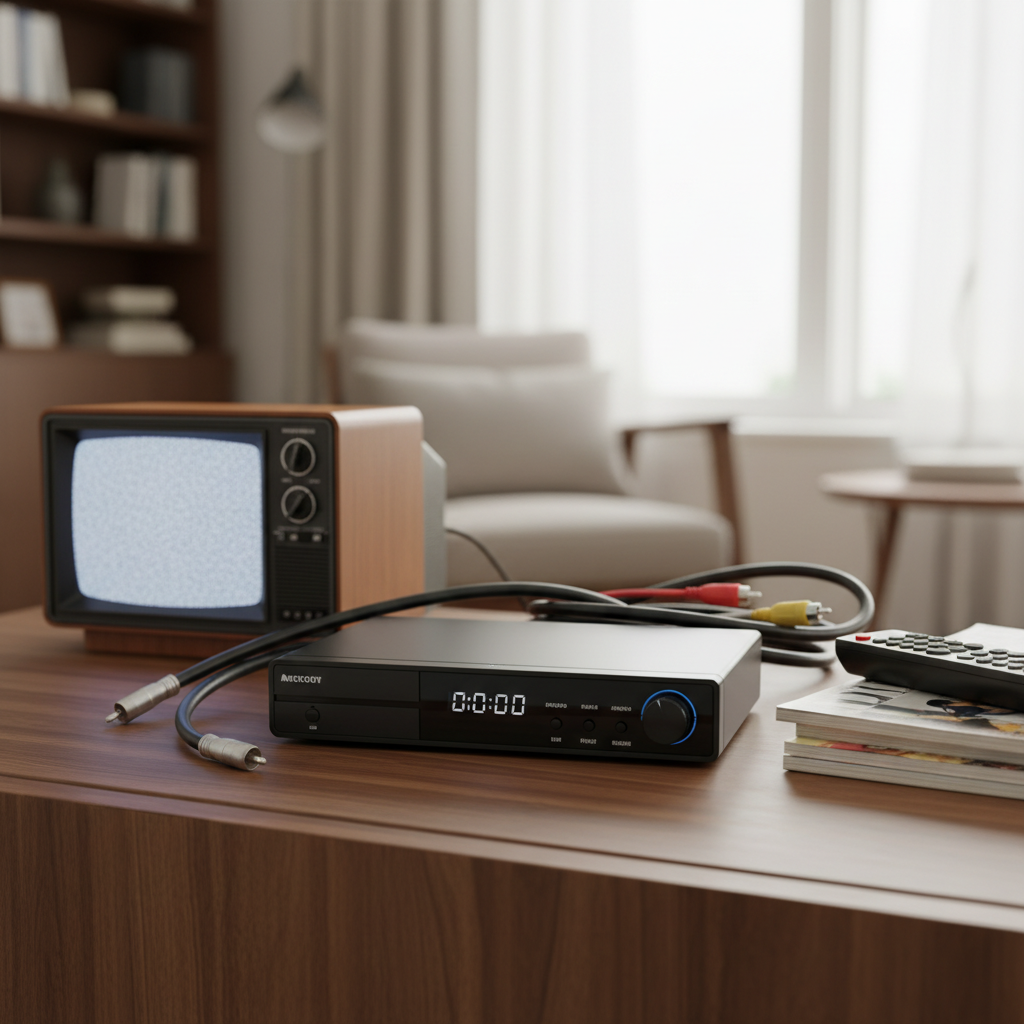
The landscape of digital television has evolved dramatically, offering an unprecedented array of channels and content in stunning clarity. For enthusiasts and everyday viewers alike, choosing the right digital receiver is crucial for unlocking this world of entertainment. Amidst a crowded market, the Apebox C2 4K Combo Receiver emerges as a compelling option, promising high-definition experiences and versatile functionality without breaking the bank. This review delves into its capabilities, features, and overall value, helping you decide if this budget-friendly 4K solution is the perfect fit for your home entertainment needs.
Digital Receiver: A Comprehensive Guide for Beginners
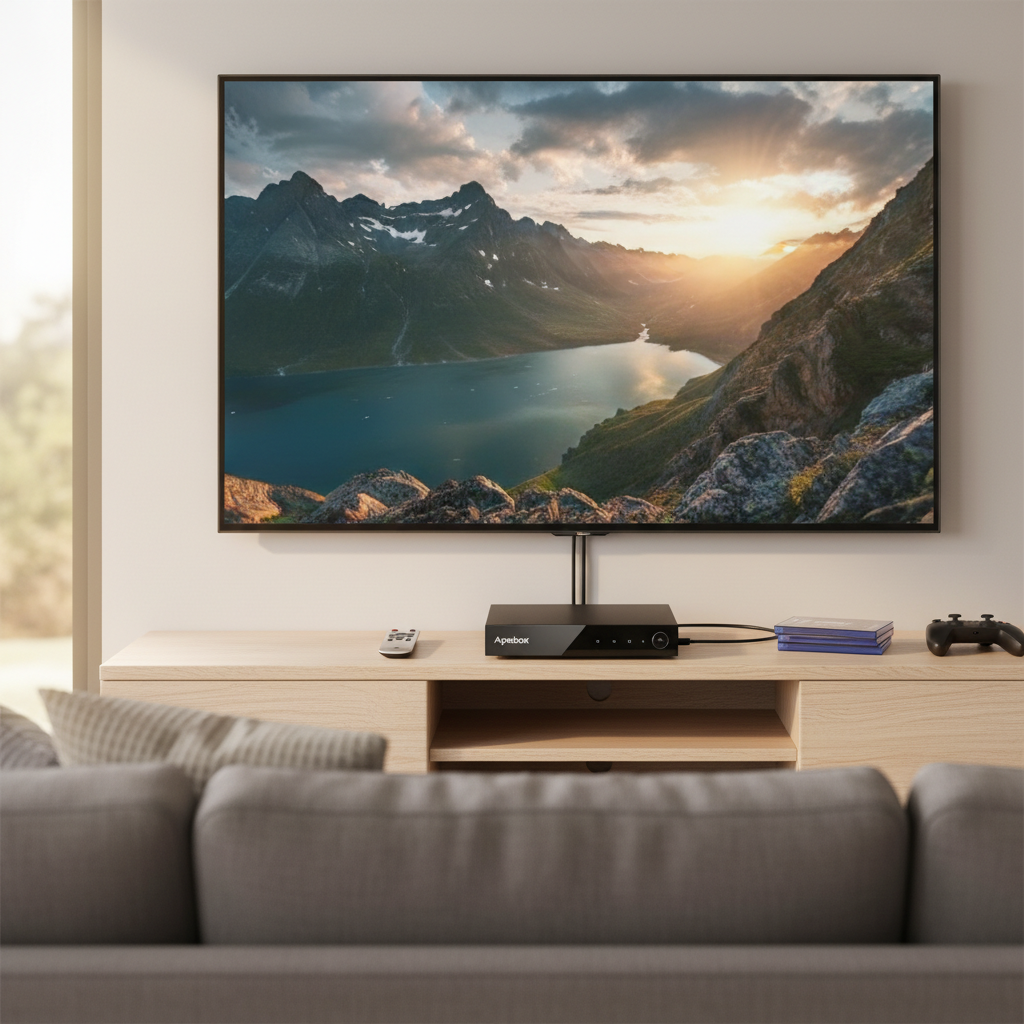
A digital receiver, also known as a set-top box or decoder, is an electronic device that converts digital television signals into a format viewable on a television screen. These devices are essential for accessing modern digital broadcasts, which offer superior picture and sound quality compared to older analog signals. They bridge the gap between broadcast signals and your TV, acting as a sophisticated interpreter.
There are several popular types of digital receivers on the market, each designed for different broadcast standards:
- DVB-T2 (Digital Video Broadcasting – Second Generation Terrestrial): This standard is used for receiving over-the-air digital terrestrial television (DTT) broadcasts via an antenna. It’s the successor to DVB-T, offering better efficiency and capacity.
- DVB-S2 (Digital Video Broadcasting – Second Generation Satellite): Designed for receiving digital satellite television broadcasts, DVB-S2 requires a satellite dish to capture signals from orbiting satellites. It’s an upgrade from DVB-S, supporting higher data rates and advanced modulation techniques.
- DVB-C (Digital Video Broadcasting – Cable): This standard is for digital cable television broadcasts, delivering content through coaxial cables provided by cable operators.
The Apebox C2 4K stands out as a “Combo Receiver,” meaning it integrates multiple tuner types into a single unit. Specifically, it supports DVB-S2, DVB-T2, and DVB-C, offering exceptional versatility for users who wish to access satellite, terrestrial, and cable TV channels from one device. Its support for H.265/HEVC (High Efficiency Video Coding) and 4K resolution ensures that users can enjoy the latest content in ultra-high definition, making it a future-proof choice for many.
Apebox C2 4K Combo Receiver: Key Features and Specifications
|
Our Picks for the Best Digital receiver in 2026
As an Amazon Associate I earn from qualifying purchases.
|
||
| Num | Product | Action |
|---|---|---|
| 1 | Donner Stereo Audio Amplifier, 600W Peak 2 Channel Receiver with Bluetooth 5.3, Phono, Optical, Coaxial, USB, FM, 2 Mic-in, Aux, RCA Input for Home, Karaoke, Theater Speakers, MAMP2 |

|
| 2 | Pyle 4-Channel Audio Amplifier with Bluetooth - Home Stereo Receiver w/ 500W Max Power - Commercial or Karaoke - Dual Mic Input with Echo, Vol, Talk-Over - AUX In - Sub Out - USB-A MP3 Player, AM/FM |
|
| 3 | Pyle Home Stereo Receiver with Bluetooth - 4 Channel Amplifier, 800 Watt Max, USB-A Input w MP3 Player, Easy Karaoke Setup with Mic Vol, Reverb and Delay, RCA in/Out, SD Card, FM Radio - PDA77BU |
|
| 4 | Daakro AK45 Stereo Audio Amplifier,300W Home 2 Channel Wireless Bluetooth 5.0 Power Amplifier System, Home Amplifiers FM Radio, USB, SD Card, with Remote Control Home Theater Audio Stereo System |
|
| 5 | Digital TV Converter Box, ATSC Tv Tuner - ZJBOX for Analog HDTV Live 1080P with Recording&Playback,HDMI Output, Timer Setting Tuner Function Digital Channel Free |
|
| 6 | YAMAHA R-S202BL Stereo Receiver |
|
| 7 | Sony STRDH190 2-ch Home Stereo Receiver with Phono Inputs & Bluetooth Black |
|
| 8 | Denon AVR-S570BT AV Receiver 5.2 Channel 8K Ultra HD Audio & Video, Stereo Receivers, Denon AVR Wireless Streaming Bluetooth, (4) 8K HDMI Inputs, eARC, HD Setup Assistant |
|
| 9 | Pyle 200W Stereo Power Amplifier with Bluetooth - Dual Channel Audio Receiver - LED Display - RCA - USB - SD - MIC IN - FM Radio - AUX Input - Perfect for Home & Computer Audio - PDA29BU.5 |
|
| 10 | Denon AVR-X1700H 7.2 Channel AV Receiver - 80W/Channel, Advanced 8K HDMI Video w/eARC, Dolby Atmos, DTS:X, Built-in HEOS, Amazon Alexa Voice Control |
|
The Apebox C2 4K is engineered to deliver a rich viewing experience, packed with features typically found in higher-priced models. Its technical prowess allows for crisp visuals and seamless operation, making it a strong contender in the budget 4K receiver segment.
Connectivity:
The receiver boasts a comprehensive array of connectivity options to integrate smoothly into any home entertainment setup. It includes a dedicated DVB-S2 tuner for satellite reception and a versatile DVB-C/T2 tuner for both cable and terrestrial broadcasts. For connecting to your television, an HDMI port is standard, ensuring high-quality digital video and audio output. Multiple USB ports are available for external storage devices, enabling multimedia playback and recording functionalities. Additionally, it features an AV output (often via a 3.5mm jack with an included adapter cable) for older televisions, an IR input for an external infrared receiver (useful if the box is hidden), and an RS232 port for technical servicing and firmware flashing. A Smartcard slot is also present for conditional access.
Video & Audio:
At its core, the Apebox C2 4K excels in delivering 4K UHD (Ultra High Definition) resolution, providing four times the pixel count of Full HD for incredibly sharp and detailed images. It fully supports the H.265/HEVC codec, which is crucial for efficient transmission and playback of 4K content, optimizing bandwidth while maintaining superior video quality. The audio output matches the video quality, ensuring an immersive viewing experience.
Special Functions:
Beyond basic reception, the Apebox C2 4K offers a suite of advanced features. The PVR (Personal Video Recorder) function allows users to record live television programs onto an external USB drive, so you never miss your favorite shows. Coupled with Timeshift, you can pause, rewind, and fast-forward live TV, giving you complete control over your viewing schedule. An EPG (Electronic Program Guide) provides a detailed schedule of upcoming programs, making it easy to plan your viewing and recordings. The integration of IPTV services further expands your entertainment options, allowing access to internet-based television channels and video-on-demand content. The receiver is also known for its fast zapping and menu navigation, ensuring a smooth and responsive user interface.
Processor:
The Apebox C2 4K typically utilizes an Ali processor, known for its reliability and efficiency in digital receivers. While specific model numbers like the Ali M3529 are sometimes cited for related devices (such as the Apebox CI), the processor within the C2 4K is powerful enough to handle 4K decoding and deliver a responsive user experience. This robust hardware ensures consistent performance across all its functions.
Factors to Consider When Choosing the Apebox C2 4K
When evaluating the Apebox C2 4K Combo Receiver, several key factors should influence your decision, ensuring it aligns with your specific entertainment needs and technical requirements.
- Compatibility: The Apebox C2 4K is designed for broad compatibility. Crucially, it supports DVB-S2, DVB-T2, and DVB-C, making it suitable for users who want to receive satellite, terrestrial, and cable broadcasts from a single device. Its ability to output at 4K resolution means it’s ideal for modern UHD televisions, allowing you to experience content in the highest possible quality. Ensure your TV has an HDMI input to take full advantage of its capabilities.
- Features: Consider which features are most important to you. The Apebox C2 4K includes PVR for recording, Timeshift for pausing live TV, and a comprehensive EPG to navigate channels. If you enjoy internet-based content, its IPTV capabilities are a significant advantage. The inclusion of a Smartcard slot also caters to those with subscription services. If these functionalities are high on your priority list, the C2 4K offers a strong package.
- Value for Money: One of the most attractive aspects of the Apebox C2 4K is its positioning as a low-cost 4K receiver. It delivers ultra-high-definition capabilities and a broad range of features at a price point that often undercuts competitors offering similar specifications. This makes it an excellent choice for budget-conscious consumers who do not wish to compromise on modern features and picture quality. Comparing its feature set against its price reveals a strong value proposition, particularly for those upgrading from older, non-4K receivers.
- Firmware and Updates: While the Apebox C2 4K generally performs well, it’s essential to be mindful of firmware. Some users have noted that the original firmware (e.g., version 1.00) is critical for optimal T2MI reception and accurate blindscan functionality. Later firmware updates, while bringing other improvements, can sometimes impact these specific features. It is advisable to back up your current firmware before performing any updates and to research community feedback on new firmware versions to avoid potential issues, especially if T2MI reception is vital for your viewing.
Comparing the Apebox C2 4K with Popular Alternatives
In the competitive landscape of digital receivers, the Apebox C2 4K carves out a niche by offering a powerful combination of features at an accessible price point. When compared to other popular models, its strengths become particularly clear.
Many established budget receivers, such as the GTMedia V8 Nova or the Edision Piccollino S2, offer excellent DVB-S2 or combo functionality but often lack native 4K support. This is where the Apebox C2 4K gains a significant advantage. While those models typically cap out at Full HD (1080p) resolution, the C2 4K provides a genuine 4K UHD experience, utilizing the H.265/HEVC codec for superior picture quality and efficient bandwidth use. This makes it a more future-proof investment for users with 4K televisions or those planning to upgrade.
Within the Apebox family itself, the Apebox S2 is a DVB-S2 only receiver, focusing solely on satellite reception. The Apebox CI is a combo model but notably includes a Common Interface (CI) slot, which the C2 4K does not. The C2 4K differentiates itself by delivering the full combo experience (DVB-S2, T2, C) with 4K capabilities and an integrated smartcard reader, positioning it as a comprehensive solution for a wide array of broadcast types without the need for a CI module for encrypted channels. The Apebox C2 4K is often highlighted as the “low-cost TV receiver that has it all,” particularly for its ability to deliver 4K without requiring a complex Android or Linux/Enigma2 operating system, providing a streamlined user experience.
| Feature | Apebox C2 4K Combo Receiver | GTMedia V8 Nova | Edision Piccollino S2 | Apebox S2 (Example) |
|---|---|---|---|---|
| Resolution | 4K UHD | Full HD (1080p) | Full HD (1080p) | Full HD (1080p) |
| Tuners | DVB-S2, DVB-T2, DVB-C | DVB-S2 (often Combo) | DVB-S2 | DVB-S2 |
| Codec Support | H.265 HEVC | H.265 HEVC | H.265 HEVC | H.265 HEVC |
| IPTV Support | Yes | Yes | Yes | Yes |
| Smartcard Slot | Yes | Yes | Yes | Yes |
| Common Interface | No | No (some models vary) | No | No |
| Price Point | Low-Cost | Budget | Mid-Range | Budget |
| Key Advantage | Affordable 4K Combo | Good basic satellite | Reliable satellite | Basic satellite |
This comparison underscores the Apebox C2 4K’s strategic position in the market: it offers premium 4K resolution and versatile combo tuners at a price point that challenges many Full HD-only options, making it an excellent choice for those seeking a comprehensive, high-definition viewing solution on a budget.
How to Set Up and Optimize Your Apebox C2 4K
Getting your Apebox C2 4K Combo Receiver up and running is a straightforward process, designed to be user-friendly even for those new to digital receivers. Once connected, a few steps can help you optimize its performance and unlock its full potential.
-
Connecting the Receiver to Your TV:
Start by ensuring both your TV and the Apebox C2 4K are powered off. Connect one end of an HDMI cable to the HDMI output port on the receiver and the other end to an available HDMI input on your television. If you have an older TV without HDMI, you can use the included AV cable (usually a 3.5mm jack to RCA) to connect to your TV’s composite video and audio inputs. Connect your satellite dish cable to the DVB-S2 tuner input, and your terrestrial antenna or cable TV feed to the DVB-T2/C tuner input. Finally, plug in the power adapter to the receiver and then into a wall outlet. -
Initial Power-On and Channel Scanning:
Turn on your TV and select the correct HDMI input (or AV input) using your TV remote. Then, power on the Apebox C2 4K. The receiver will likely guide you through an initial setup wizard, prompting you to select your language, country, and time zone. The next crucial step is channel scanning. Navigate to the “Installation” or “Channel Search” menu. Here, you’ll choose the type of scan (e.g., Satellite, Terrestrial, Cable). For satellite, you might need to select your satellite (e.g., Astra 19.2E, Hotbird 13E) and perform a “Blindscan” or “Automatic Scan,” which detects all available channels. For terrestrial and cable, typically an “Automatic Scan” will suffice. The receiver will then search for and store all available channels. -
Utilizing PVR and Timeshift:
To use the PVR (Personal Video Recorder) and Timeshift functions, you will need to connect an external USB storage device (like a USB stick or external hard drive) to one of the receiver’s USB ports. The receiver will likely prompt you to format the drive upon first use. Once formatted, you can initiate recordings directly from the EPG by selecting a program and choosing “Record.” For Timeshift, simply press the “Pause” button while watching live TV. You can then rewind or fast-forward through the buffered content. -
Managing Firmware:
Firmware updates can bring new features, fix bugs, or improve performance. However, as noted earlier, some users have experienced issues with T2MI reception or blindscan after certain updates. Before any firmware update, it is highly recommended to back up your current firmware and channel list to a USB drive. This allows you to revert to a working state if a new firmware causes problems. Firmware updates are usually performed via USB, by placing the firmware file on the root directory of a USB stick and selecting the “Software Upgrade” option in the receiver’s menu. Always source firmware from reputable channels, such as the official Apebox website or trusted community forums.
By following these steps, you can quickly set up your Apebox C2 4K and begin enjoying its extensive features.
Tips for Usage and Maintenance
To ensure your Apebox C2 4K Combo Receiver continues to provide reliable and high-quality entertainment, a few usage and maintenance tips can go a long way.
- Software Updates: While caution is advised regarding firmware, regularly checking for official software updates is beneficial. These updates can enhance features, improve stability, and ensure compatibility with evolving broadcast standards. Always perform updates according to manufacturer instructions, and as a best practice, back up your settings and channel list before proceeding.
- Optimal Placement: Ensure your receiver is placed in a well-ventilated area, away from direct sunlight and heat sources. This prevents overheating, which can extend the lifespan of the device. Avoid stacking other electronic devices on top of it, as this can impede airflow.
- Cleaning: Periodically dust the receiver’s exterior with a soft, dry cloth. Pay attention to ventilation grilles to ensure they remain free from dust buildup, which can obstruct airflow and lead to overheating. Never use liquid cleaners directly on the device.
- Remote Control Care: Keep the remote control clean and protect it from spills. If it becomes unresponsive, try replacing the batteries before assuming a fault with the receiver itself.
- Cable Management: Keep all cables (HDMI, antenna, power) organized and untangled. This not only makes your setup look tidier but also prevents accidental disconnections and reduces strain on the ports.
- Power Cycling: If you encounter minor glitches or unresponsiveness, a simple power cycle (unplugging the receiver from the power outlet for a minute and then plugging it back in) can often resolve the issue without needing to reset settings.
By adhering to these simple guidelines, you can maintain your Apebox C2 4K in optimal condition, ensuring a consistent and enjoyable viewing experience for years to come.
Conclusion
The Apebox C2 4K Combo Receiver presents itself as a highly capable and exceptionally valuable digital receiver for the modern home. Its comprehensive support for DVB-S2, DVB-T2, and DVB-C standards, combined with stunning 4K UHD output and efficient H.265/HEVC decoding, ensures access to a vast array of high-quality content. Features like PVR, Timeshift, and IPTV connectivity further enhance its appeal, offering a complete entertainment hub in a single, budget-friendly device. While careful firmware management is a consideration for specific functionalities, its overall performance and rich feature set make it an excellent choice for anyone seeking a versatile and affordable 4K solution.
If you’re looking to upgrade your viewing experience with crystal-clear 4K resolution and the flexibility to receive satellite, terrestrial, and cable broadcasts from one compact unit, the Apebox C2 4K deserves serious consideration. Will this combo receiver be the next essential addition to your home entertainment system?
Frequently Asked Questions
What resolution does the Apebox C2 4K Combo Receiver support?
The Apebox C2 4K Combo Receiver fully supports 4K UHD (Ultra High Definition) resolution, providing a significantly sharper and more detailed picture than Full HD. It also supports the H.265/HEVC codec for efficient 4K video processing.
Can I record TV programs with the Apebox C2 4K?
Yes, the Apebox C2 4K includes PVR (Personal Video Recorder) functionality. You can record live television programs onto an external USB storage device connected to the receiver, and also use Timeshift to pause and rewind live TV.
Does the Apebox C2 4K support IPTV?
Yes, the Apebox C2 4K Combo Receiver supports IPTV services, allowing users to access internet-based television channels and other online streaming content, expanding your entertainment options beyond traditional broadcasts.
What types of broadcasts can the Apebox C2 4K receive?
The “Combo” in its name signifies its versatility. The Apebox C2 4K is equipped with tuners to receive DVB-S2 (satellite), DVB-T2 (terrestrial/over-the-air), and DVB-C (cable) digital television broadcasts.
Is the Apebox C2 4K easy to set up for beginners?
Yes, setting up the Apebox C2 4K is generally user-friendly. It involves connecting cables (HDMI, antenna/dish, power) and following an on-screen setup wizard for channel scanning and basic configuration, making it accessible even for those new to digital receivers.