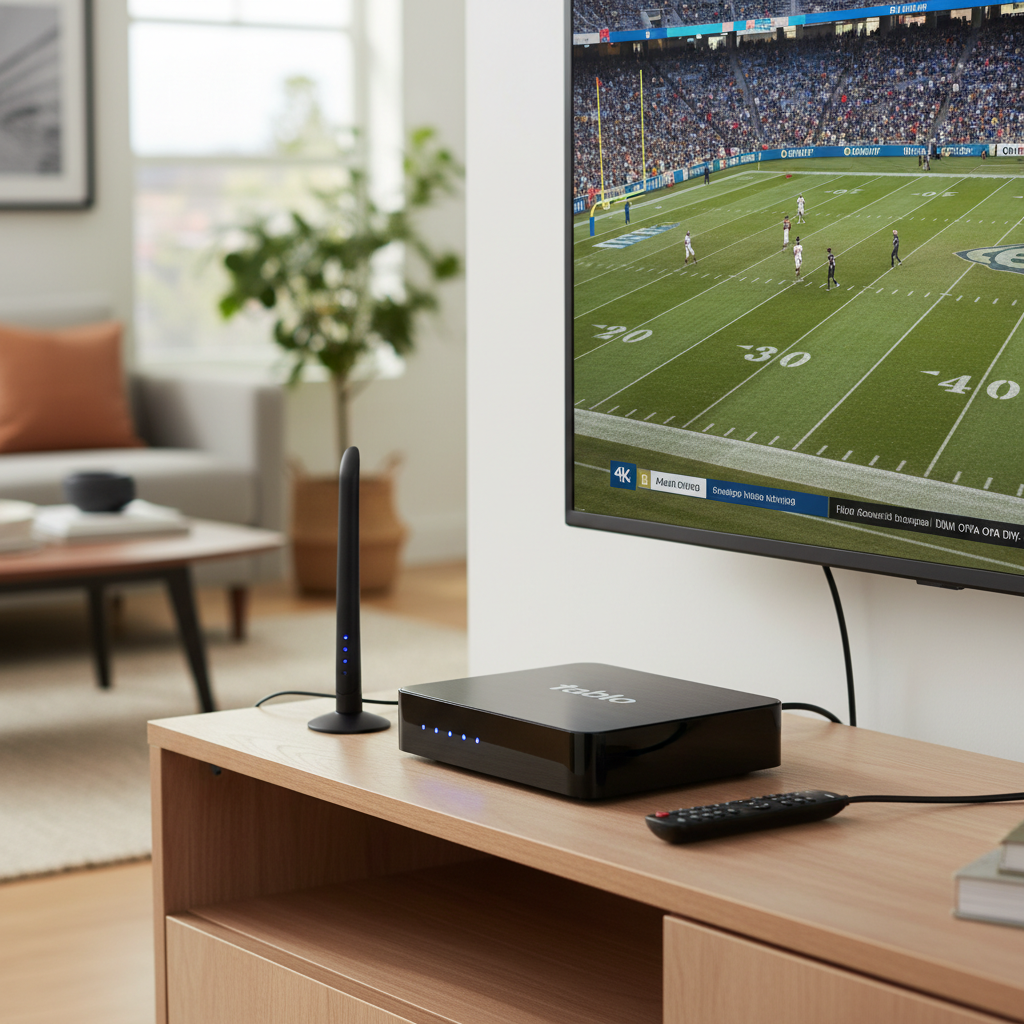
In our interconnected homes, digital boxes serve as the gateway to entertainment, information, and communication. From streaming devices and cable boxes to gaming consoles and media centers, these essential pieces of technology are often running constantly, making them susceptible to the unseen threat of power surges. A sudden spike in electrical voltage can fry sensitive components, leading to costly repairs or outright replacement. Protecting these valuable investments isn’t just a luxury; it’s a necessity for peace of mind and uninterrupted enjoyment. This comprehensive guide will walk you through everything you need to know about selecting the best surge protectors for your digital boxes, ensuring they remain safe and functional for years to come.
What is a Surge Protector and Why Your Digital Box Needs One?
At its core, a surge protector is an electrical device designed to shield electronic equipment from voltage spikes. These devices typically operate by diverting excess electricity away from connected devices and safely into the ground. While often confused with simple power strips, a true surge protector offers a critical layer of defense that a basic power strip does not.
Power surges, or transient voltage spikes, can originate from various sources. External events like lightning strikes or utility grid fluctuations are common culprits, but the majority of surges actually occur within your home. Turning on high-power appliances such as refrigerators, air conditioners, or vacuum cleaners can create small, frequent surges that, over time, degrade the delicate internal circuitry of your digital boxes. These micro-surges can lead to gradual performance decline, freezing, or even sudden failure. Without adequate protection, your expensive digital boxes are vulnerable to irreversible damage, underscoring the vital role of a quality surge protector.
Key Factors When Choosing a Surge Protector for Your Digital Box
Selecting the ideal surge protector goes beyond just plugging in a power strip. Understanding the key specifications and features will empower you to make an informed decision that truly safeguards your digital boxes.
Understanding Joule Rating
The joule rating is one of the most critical specifications to consider. It quantifies the amount of energy a surge protector can absorb before its internal components fail or wear out. Think of it as a surge protector’s “strength” or “capacity.”
- What it means: A higher joule rating indicates that the protector can absorb more energy from a surge, offering enhanced protection and a longer lifespan.
- Recommendations for Digital Boxes: For sensitive and valuable equipment like digital boxes, gaming consoles, and home theater systems, aim for a surge protector with a joule rating of 2000 or higher. While ratings of 500-1000 joules might suffice for very basic electronics like lamps, they are inadequate for your advanced digital equipment. A protector with a high joule rating ensures it can handle multiple smaller surges or a larger single event, prolonging the life of your devices.
|
Our Picks for the Best Digital receiver in 2026
As an Amazon Associate I earn from qualifying purchases.
|
||
| Num | Product | Action |
|---|---|---|
| 1 | Pyle Home Stereo Receiver with Bluetooth - 4 Channel Amplifier, 800 Watt Max, USB-A Input w MP3 Player, Easy Karaoke Setup with Mic Vol, Reverb and Delay, RCA in/Out, SD Card, FM Radio - PDA77BU |

|
| 2 | Denon AVR-X1700H 7.2 Channel AV Receiver - 80W/Channel, Advanced 8K HDMI Video w/eARC, Dolby Atmos, DTS:X, Built-in HEOS, Amazon Alexa Voice Control |
|
| 3 | YAMAHA R-S202BL Stereo Receiver |
|
| 4 | Pyle 4-Channel Audio Amplifier with Bluetooth - Home Stereo Receiver w/ 500W Max Power - Commercial or Karaoke - Dual Mic Input with Echo, Vol, Talk-Over - AUX In - Sub Out - USB-A MP3 Player, AM/FM |
|
| 5 | Daakro AK45 Stereo Audio Amplifier,300W Home 2 Channel Wireless Bluetooth 5.0 Power Amplifier System, Home Amplifiers FM Radio, USB, SD Card, with Remote Control Home Theater Audio Stereo System |
|
| 6 | Pyle 200W Stereo Power Amplifier with Bluetooth - Dual Channel Audio Receiver - LED Display - RCA - USB - SD - MIC IN - FM Radio - AUX Input - Perfect for Home & Computer Audio - PDA29BU.5 |
|
| 7 | Sony STRDH190 2-ch Home Stereo Receiver with Phono Inputs & Bluetooth Black |
|
| 8 | Digital TV Converter Box, ATSC Tv Tuner - ZJBOX for Analog HDTV Live 1080P with Recording&Playback,HDMI Output, Timer Setting Tuner Function Digital Channel Free |
|
| 9 | Denon AVR-S570BT AV Receiver 5.2 Channel 8K Ultra HD Audio & Video, Stereo Receivers, Denon AVR Wireless Streaming Bluetooth, (4) 8K HDMI Inputs, eARC, HD Setup Assistant |
|
| 10 | Donner Stereo Audio Amplifier, 600W Peak 2 Channel Receiver with Bluetooth 5.3, Phono, Optical, Coaxial, USB, FM, 2 Mic-in, Aux, RCA Input for Home, Karaoke, Theater Speakers, MAMP2 |
|
Clamping Voltage and UL 1449 Certification
Beyond the joule rating, two other technical aspects provide insight into a surge protector’s effectiveness and safety.
- Clamping Voltage: This specifies the voltage level at which the surge protector activates and begins diverting excess electricity. A lower clamping voltage means the protector will react more quickly to a surge, allowing less harmful voltage to reach your digital box. Look for models with a clamping voltage of 330 volts or less for optimal protection of sensitive electronics.
- UL 1449 Certification: This is a crucial safety standard from Underwriters Laboratories (UL). A surge protector listed with UL 1449 indicates that it has undergone rigorous testing and meets specific safety and performance criteria. Always check for this certification to ensure the product you’re buying is reliable and won’t pose a fire hazard.
Number of Outlets and Port Variety
Consider how many devices you need to connect and what types of connections they require.
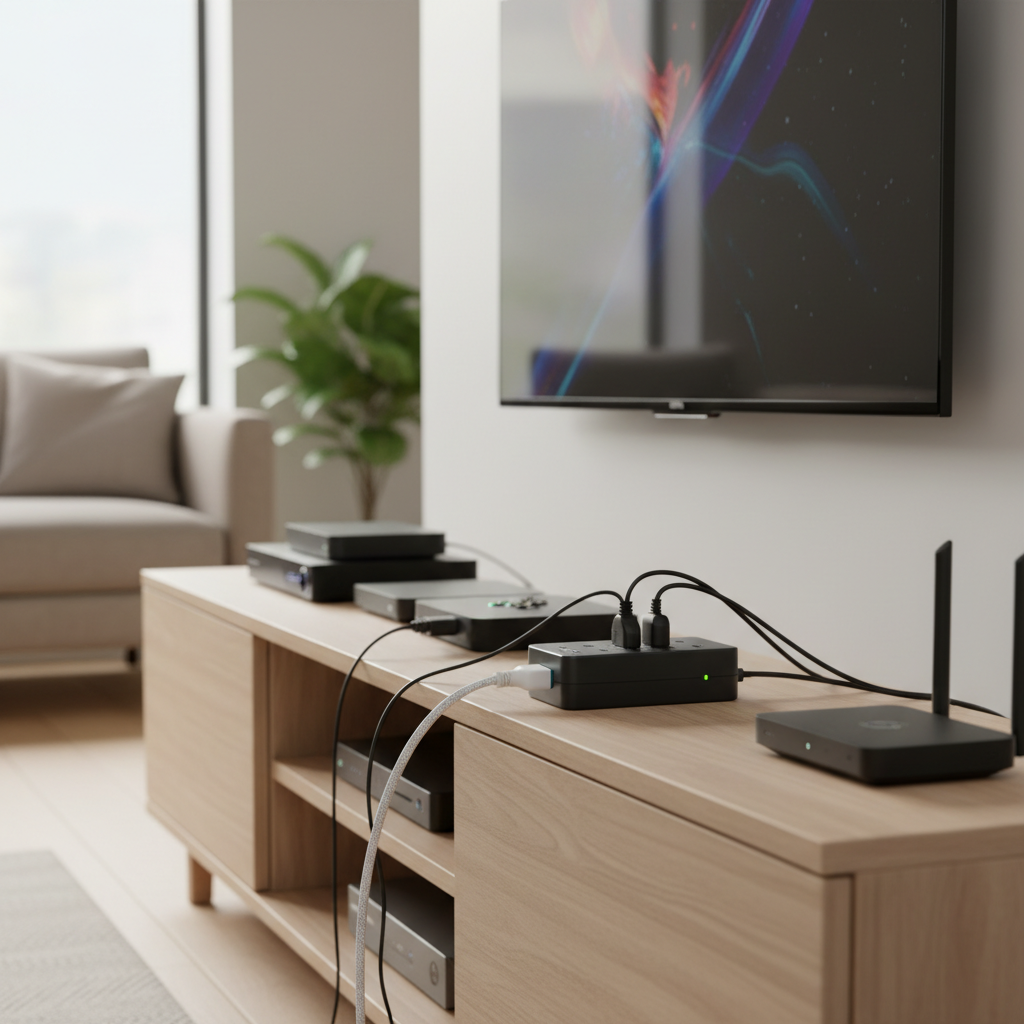
- Sufficient AC Outlets: Ensure the surge protector offers enough outlets for all your digital boxes and associated peripherals (TV, soundbar, gaming console, modem, router).
- Spaced Outlets: Many modern electronics come with bulky power adapters (“wall warts”). Look for surge protectors with widely spaced outlets, or designs with rotating outlets, to accommodate these without blocking adjacent ports.
- USB-A and USB-C Ports: With an increasing number of devices charging via USB, integrated USB-A and USB-C ports on your surge protector offer immense convenience. This eliminates the need for extra wall adapters, freeing up AC outlets and streamlining your setup.
Essential Safety and Convenience Features
Modern surge protectors come with a range of features designed to enhance protection and user experience.
- Indicator Lights: Most quality surge protectors include indicator lights. A “Protection On” light confirms the surge protection circuitry is active. A “Ground OK” or “Grounded” light verifies your wall outlet is properly grounded. If the protection light goes out, it’s a clear signal that the surge protector has absorbed its maximum energy and needs replacement.
- Cord Length: Choose a cord length that comfortably reaches your digital boxes without creating tension or requiring an extension cord, which is not recommended for surge protectors.
- Automatic Shutdown/Fail-Safe Design: Some advanced surge protectors incorporate a fail-safe mechanism that automatically shuts off power to connected devices once its surge protection capacity has been depleted. This prevents unprotected power from reaching your valuable electronics.
- Thermal Fuses: Newer, high-quality surge protectors often include thermal fuses. These are designed to prevent the internal components from overheating and potentially catching fire during a severe surge, adding an extra layer of safety.
- Connected Equipment Warranty: Many reputable manufacturers offer a connected equipment warranty, which provides reimbursement for repair or replacement of electronics damaged by a power surge while properly connected to their surge protector. This demonstrates the manufacturer’s confidence in their product and offers added peace of mind.
- Smart Features: For tech-savvy users, smart surge protectors with Wi-Fi connectivity offer advanced functionalities like remote control of individual outlets, energy monitoring, and scheduling, enhancing convenience and efficiency.
Top Recommendations: Best Surge Protectors for Digital Boxes
Based on reliability, key features, and user feedback, here are some top recommendations to help you protect your digital boxes:
- Belkin 12-Outlet Pivot-Plug Surge Protector: Belkin is a well-regarded name in power protection. Their pivot-plug models are excellent for managing bulky adapters, allowing outlets to rotate for optimal spacing. They typically offer robust joule ratings (often over 2000J), a low clamping voltage, and a connected equipment warranty, making them a solid choice for a multi-device setup.
- Tripp Lite Protect It 12-Outlet Surge Protector: Known for their high-capacity protection, Tripp Lite models like the Protect It 12 often boast impressive joule ratings (e.g., 2880J). They commonly feature a “fail-to-safe” design, ensuring power is cut if the protection is compromised. With numerous outlets and often generous cord lengths, these are ideal for comprehensive home entertainment systems.
- Anker Power Strip Surge Protector: Anker offers a blend of performance and modern convenience. Their surge protectors frequently come with respectable joule ratings (e.g., 2100J) and multiple USB-A and USB-C charging ports, making them perfect for digital boxes alongside smartphones and tablets. They often include an 8-point safety system and a substantial connected equipment warranty, providing great value.
- Tapo P316M Smart Wi-Fi Power Strip: For those looking for smart home integration, the Tapo P316M stands out. It offers remote control over individual outlets, energy monitoring, and compatibility with smart home ecosystems like Apple Home. While specific joule ratings can vary or sometimes not be explicitly stated by Tapo, its smart features and overall reliability make it a compelling choice for a modern, connected setup.
How to Install and Maintain Your Digital Box Surge Protector
Proper installation and regular maintenance are crucial to ensure your surge protector provides ongoing, effective defense for your digital boxes.
Installation:
- Direct Plug-in: Always plug your surge protector directly into a properly grounded wall outlet. Avoid daisy-chaining, which means plugging one surge protector into another, as this compromises its effectiveness and can create a fire hazard.
- Verify Grounding: Check the indicator lights on your surge protector. The “Grounded” light should be illuminated, confirming a safe electrical connection.
- Connect Devices: Plug your digital box, TV, gaming console, and other sensitive electronics into the surge protector’s outlets. Ensure all devices are securely plugged in.
- Cable Management: Use the surge protector’s design (e.g., pivot plugs, wide spacing) to neatly arrange your device power cords, preventing clutter and potential disconnections.
Maintenance:
- Monitor Indicator Lights: Regularly check the “Protection On” light. If it’s off, it means the surge protection components have worn out, and the unit no longer offers protection.
- Regular Replacement: Surge protectors have a finite lifespan. Their internal components degrade with each surge absorbed. Even without visible damage, it’s wise to replace your surge protector every 3 to 5 years, or immediately after a major power surge or lightning strike, regardless of the indicator lights.
- Placement: Ensure your surge protector has adequate ventilation and is not covered, preventing heat buildup.
While point-of-use surge protectors are excellent for individual digital boxes, for comprehensive home protection, consider a whole-house surge protector installed at your main electrical panel. These devices provide a primary defense against larger surges entering your home, complementing the localized protection offered by individual units.
Conclusion
Your digital boxes are more than just electronics; they are central to your daily life, providing entertainment, communication, and connectivity. Investing in the best surge protectors for digital boxes is a small price to pay for safeguarding these valuable assets from unpredictable power surges. By focusing on critical factors like joule rating, clamping voltage, UL certification, and essential features, you can ensure your home entertainment and connectivity remain protected. Choose wisely, maintain diligently, and enjoy uninterrupted, secure access to your digital world.
What steps will you take today to secure your digital investments against power surges?
Frequently Asked Questions
How often should I replace my surge protector?
You should replace your surge protector every 3 to 5 years, or immediately after a significant power surge or lightning strike. The internal components degrade over time and after absorbing electrical spikes, eventually losing their protective capabilities.
Can a surge protector protect against lightning strikes?
While a high-quality surge protector can offer defense against indirect lightning strikes and smaller surges, it’s generally not designed to withstand a direct lightning strike, which carries immense energy. For maximum protection against severe lightning, a professionally installed whole-house surge protector is recommended in addition to point-of-use devices.
What is the difference between a power strip and a surge protector?
A power strip simply provides multiple electrical outlets from a single wall socket, acting as an extension cord. A surge protector, on the other hand, also offers multiple outlets but includes specialized circuitry (like MOVs) to divert excess voltage away from connected devices, thereby protecting them from power surges.
Do smart surge protectors offer better protection?
Smart surge protectors offer enhanced convenience features like remote control, energy monitoring, and scheduling. While many smart models also provide robust surge protection with high joule ratings, their “smart” features primarily relate to control and efficiency, not necessarily superior surge suppression compared to a high-quality non-smart protector with similar electrical specifications.
Can I plug multiple digital boxes into one surge protector?
Yes, you can plug multiple digital boxes and other electronics into a single surge protector, provided the protector has enough outlets and a sufficient joule rating to handle the combined load and protect all connected devices effectively. Always check the total wattage of your devices to ensure it doesn’t exceed the surge protector’s capacity.